Keep identity and artwork connected
Product, variant, lot, batch and serial fields flow directly into the label instead of moving through a separate export and import process.
Product identity, label design and printing in one connected workflow.
Create connected product identities, design the labels they sit on, and prepare a sheet, roll or card for print — with live product, lot and batch data flowing through one workflow.
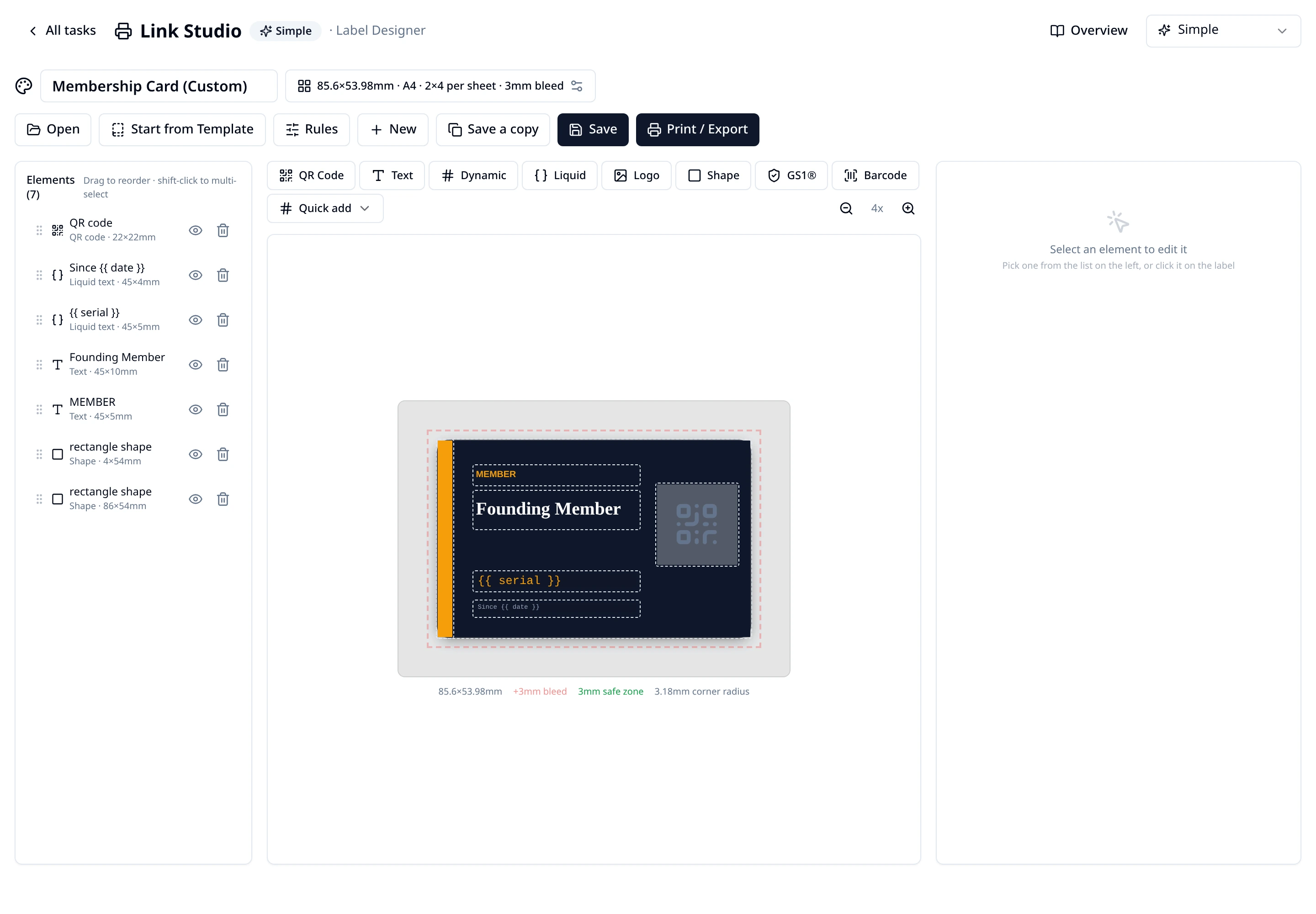
One connected system
Print Studio works with the same product, lot, batch and item records used across SmartLinks. The identity behind the code and the data printed beside it stay together.
Product, variant, lot, batch and serial fields flow directly into the label instead of moving through a separate export and import process.
Dynamic fields and rules can change text, colour, visibility and images according to the data behind each label.
Check the sheet, test with real data and prepare PDF, continuous roll, ZPL or CR80 card output from the same design.
Guided production
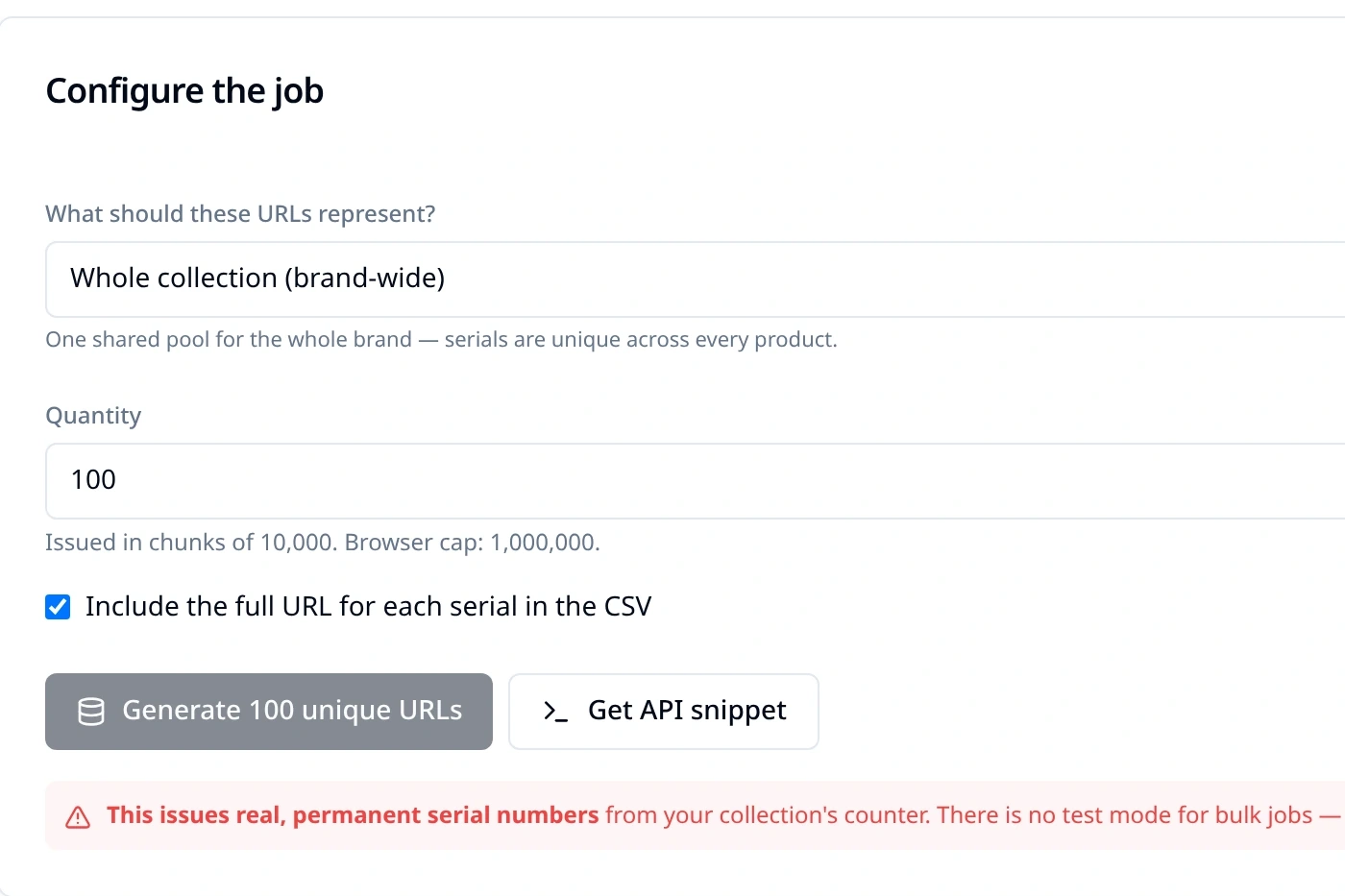
The guided flow keeps the product, design, QR treatment and quantity together. Teams can proof with test codes before issuing real serial-linked identities.
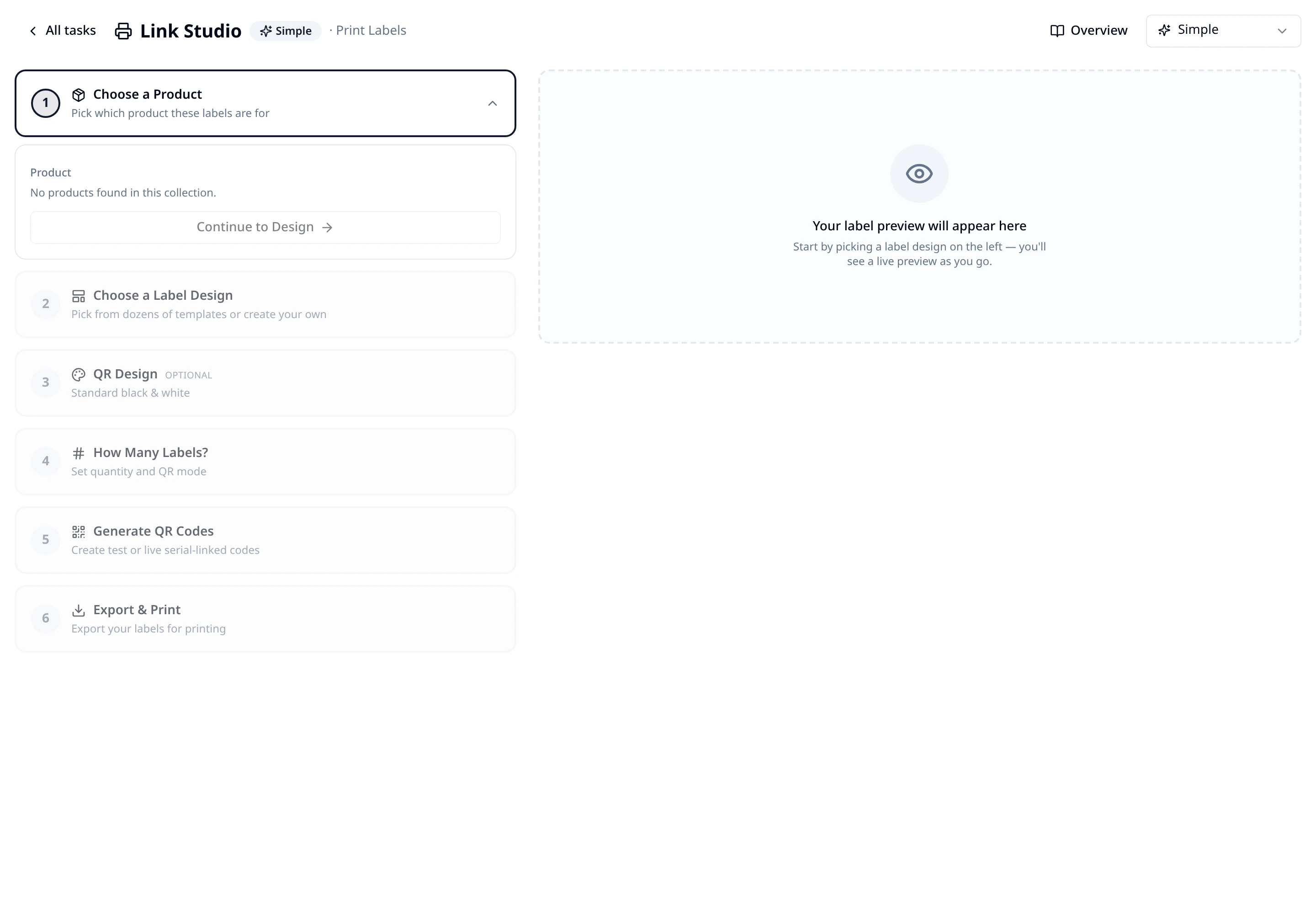
Live product data
Print Studio reads the fields already held against the collection, product, variant, lot and batch. Rules can then change what appears without creating another version of the artwork.
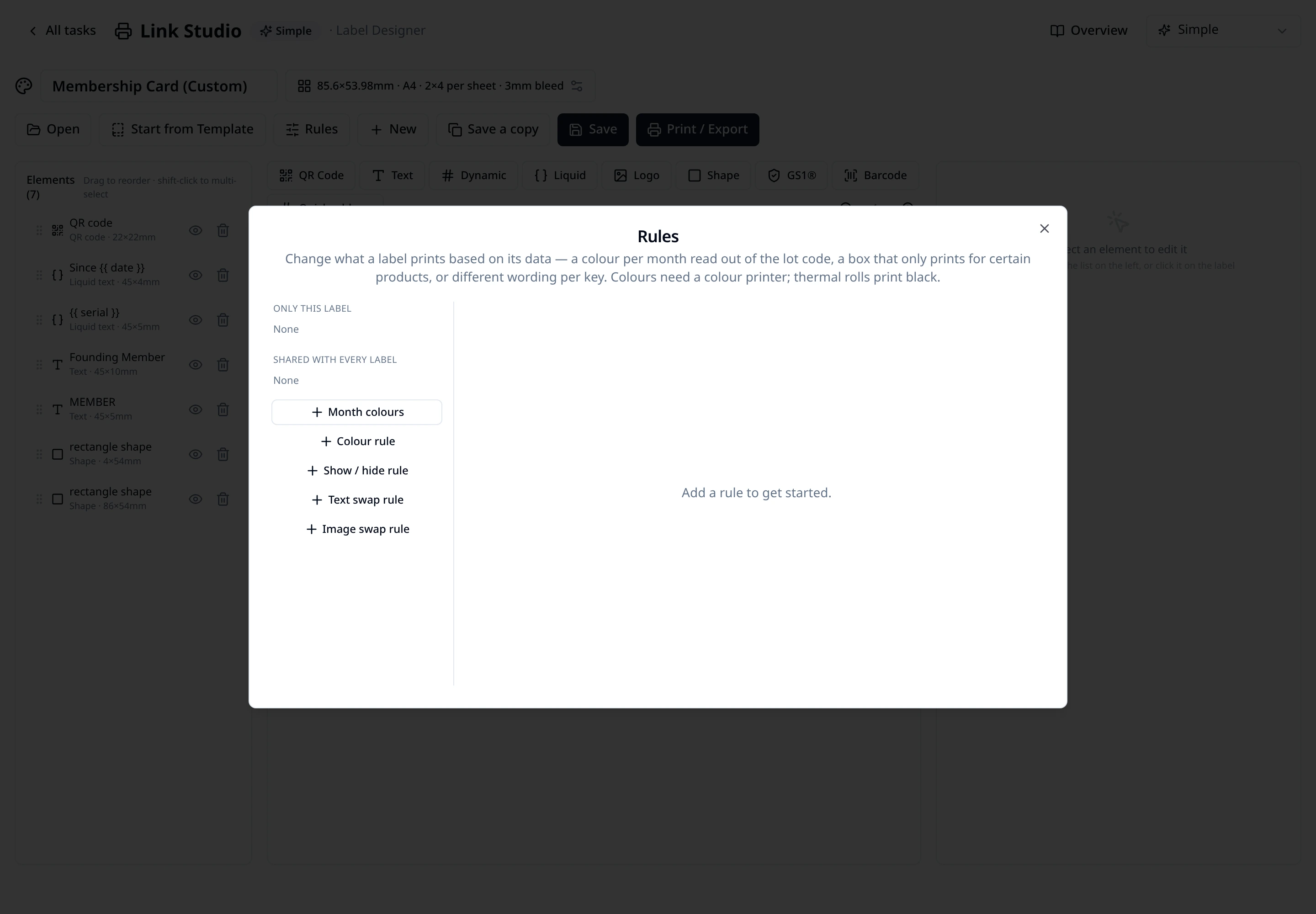
Pre-flight and output
A sheet preview and pre-flight checks help teams catch content near the trim, undersized codes, low contrast and missing data before producing the final file.
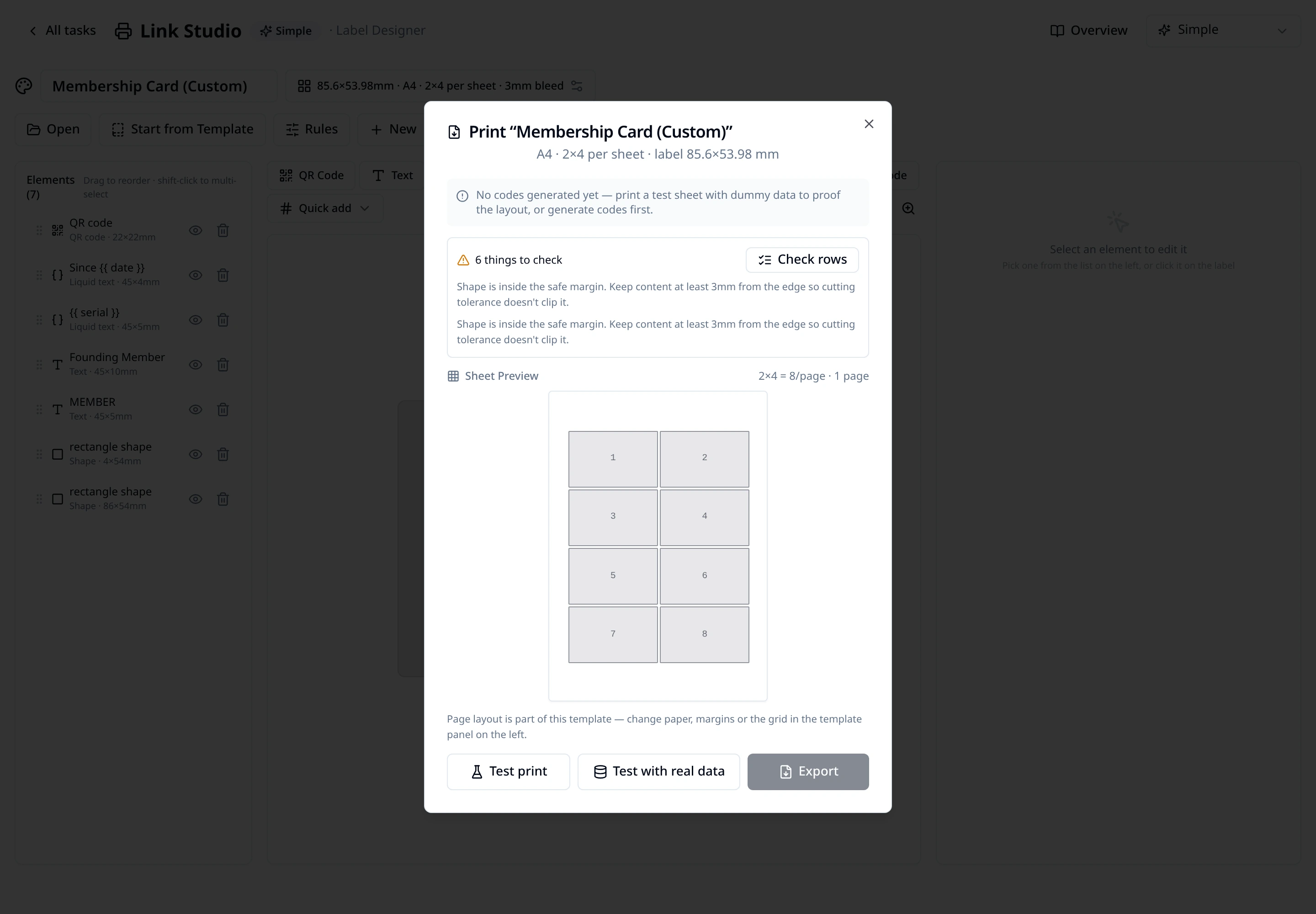
Beyond the design canvas
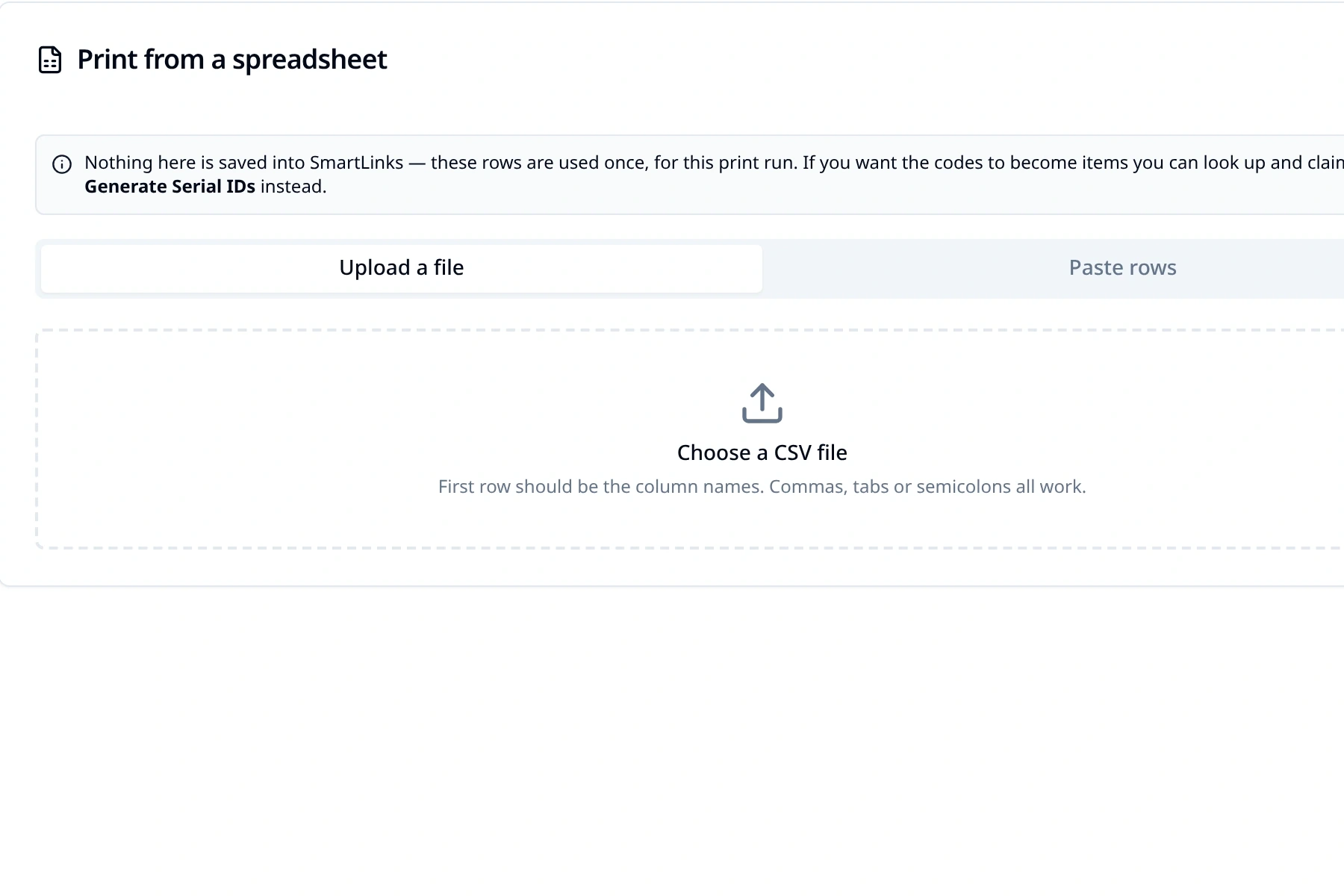
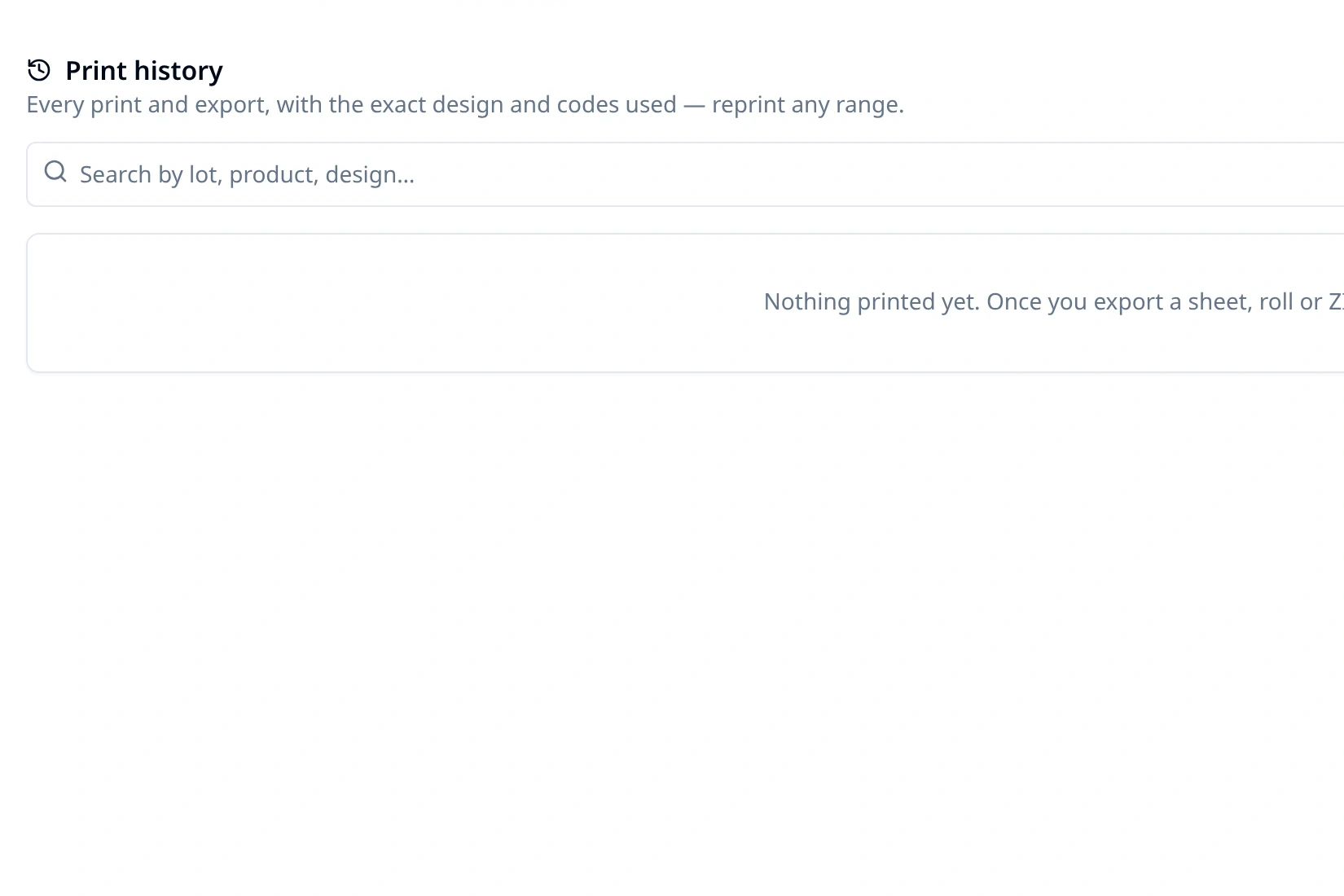
Create identities, work with data from elsewhere and retain a practical record of production without turning Print Studio into another data silo.
Right-sized workspace
A collection-level mode keeps the experience focused while giving production and GS1 teams access to deeper controls.
Mode 1
Small teams printing a few sheets
Quick QR, labels and the essential setup
Mode 2
Production and operations teams
Lots, item records, history and shared printer profiles
Mode 3
Retail and regulated supply chains
Digital Link URLs, application identifiers and GTIN handling
A different category shape
These categories solve different parts of the job. Print Studio brings the identity, data, design and output into one workflow rather than trying to replace every specialist production system.
| Category | Typical relative cost | Identity | Design | Production output |
|---|---|---|---|---|
| QR code manager | £ | Managed links | Code styling | Image downloads |
| GS1 / DPP platform | ££ | Product or item identity | Usually separate | Code export |
| Label software | £££ | External data connection | Advanced label design | Deep printer control |
| Print Studio | ££ | Product, lot and serial records | Connected label design | PDF, roll, ZPL and cards |
Output, not printer drivers. Print Studio prepares PDF and ZPL output; it is not positioned as a native print spooler.
Pass-through, not an ERP. Spreadsheet printing lets existing data move through a job without claiming a pre-built ERP or WMS integration.
Design controls, not approvals. Shared designs and rules support production, without claiming a formal artwork approval workflow.
Built into SmartLinks
Each printed identity can resolve through SmartLinks after production, while the underlying product and item records remain available to the wider platform.
See how Print Studio connects with standards, print partners and the wider product record.
How one standards-based QR can resolve to the right destination.
Read GS1 Digital LinkHow printers and converters add connected identities to existing workflows.
Read Print partnersUnderstand products, batches, variants and unique item records.
Read Anatomy of an itemSee it with your workflow
We’ll show how its product data, identities, artwork and output would move through Print Studio.