Illustrative connected product pages for headphones, coffee, clothing, home fragrance, food and a smartwatch

Inside SmartLinks Hub

The Hub platform, built around your products.

One place for product information, owner journeys and next actions. Publish once, then connect it from the item, the web and beyond.

Illustrative product experiences

How the platform works

Everything a product needs after it's sold.

Four connected parts, all built on the same product record.

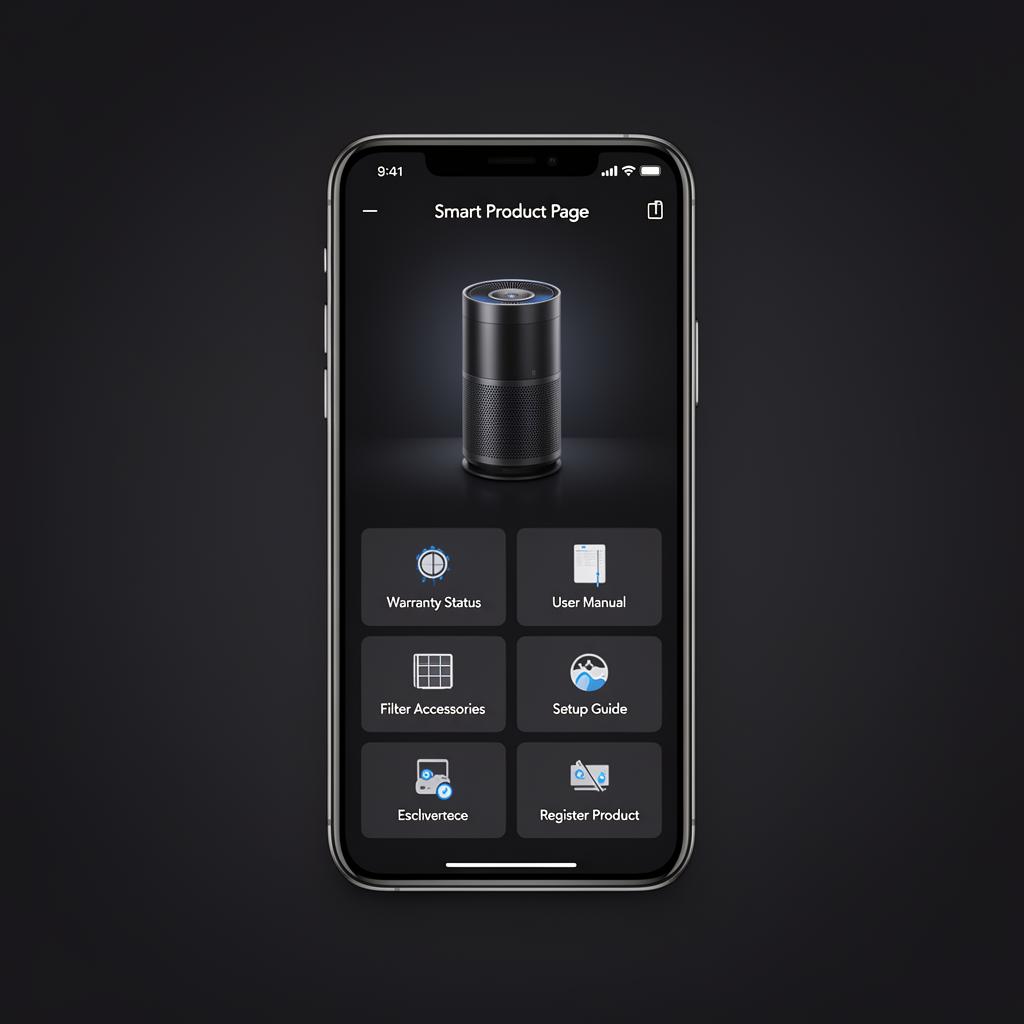
Illustrative product page with guides, videos and support options
Illustrative example

01Product pages & content

A proper page for every product you sell.

Each product gets its own page, reached from the product itself. Publish manuals, how-to guides, videos, spares and care information in one place, and update it whenever you need to — without reprinting packaging.

  • Guides, manuals and videos per product
  • Spares, accessories and care information
  • Update content at any time after sale
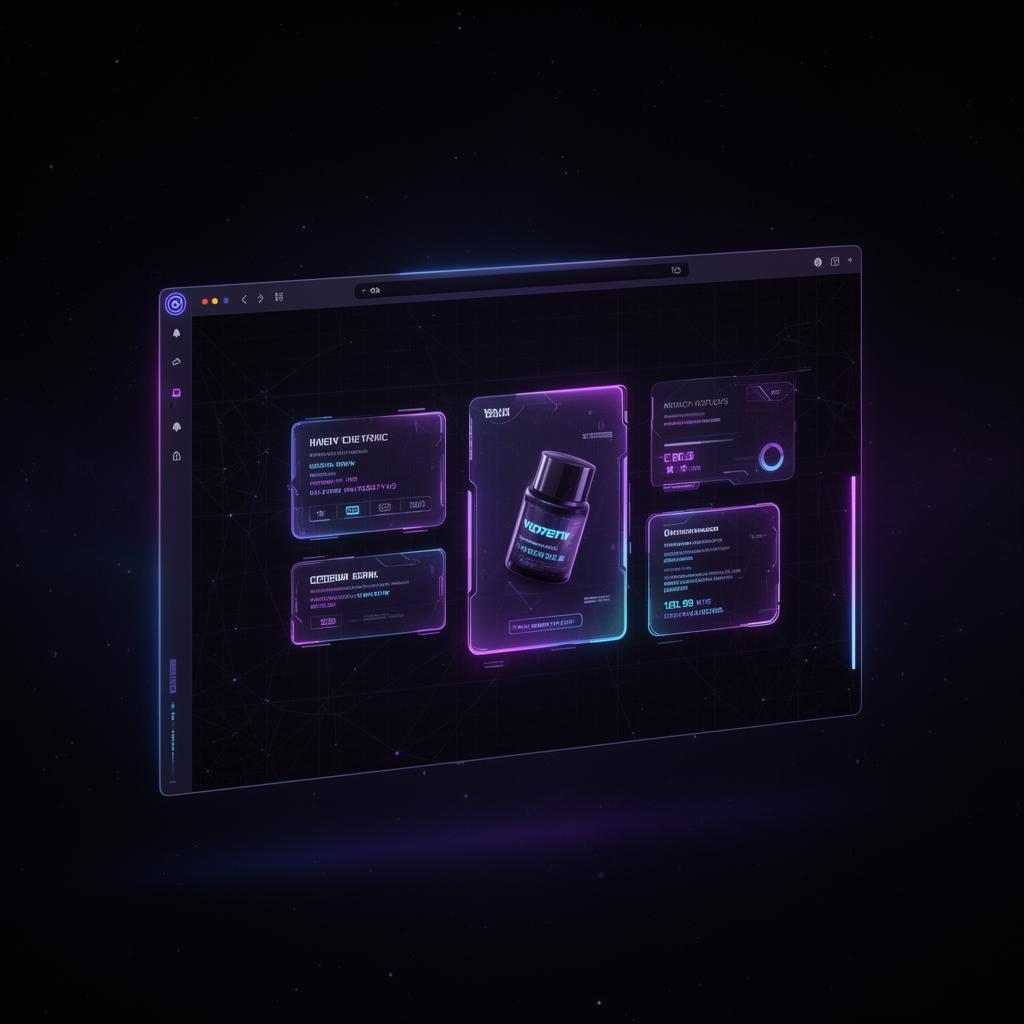
Illustrative experience reached by scanning a product
Illustrative example

02Identity, registration & access

Know which product, and who owns it.

Customers arrive by scanning a QR code or NFC tag, or from the web. Hub recognises the product and lets owners register it, capturing the owner, product and purchase details against one record for service, support and follow-up.

  • Reached by QR, NFC or web link
  • Owner registration and data capture
  • One record per product and owner
Illustrative product help shown on a brand website
Illustrative example

03Owner support & next actions

Help owners when they need it, from the product.

Point owners to the right guide, a support contact, or a relevant accessory or consumable. Useful next actions sit alongside the help, so support and repeat purchase happen in the same place.

  • Direct routes to help and contact
  • Relevant accessories and consumables
  • Links to your existing shop or help centre
Illustrative reporting view of product engagement
Illustrative example

04Insight & lifecycle

See what happens after the sale, and act on it.

Understand how products are being scanned, registered and used, and set up messages for moments that matter — onboarding, maintenance, replenishment or upgrade windows.

  • Scan, registration and engagement reporting
  • Lifecycle messages at key moments
  • Insight tied to each product record

AI product assistant

Answers drawn from your own product content.

The assistant works from the guides, manuals and support information you publish for each product. It points owners to the relevant section and hands over to your team when a question needs a person. Answer quality depends on the content you provide, so you stay in control of what it says.

Owner: How do I descale this machine?

Assistant: The user guide for this model recommends descaling every few months. Here are the steps from section 4, plus the video walkthrough.

Owner: Which descaler should I use?

Assistant: The guide lists the compatible descaler. You can order it here, or contact support if you'd like advice.

Illustrative conversation

What it connects

One platform, one record per product.

Product pages

Content and help that stays current after sale.

Registration

Owner, product and purchase details on one record.

Support & AI

Answers from your own content, with a route to your team.

Insight & lifecycle

Reporting and messages tied to each product.

SmartLinks Hub

See it working with your products.

Bring a product to a walkthrough and we'll show how its page, registration, support and follow-up could come together.